


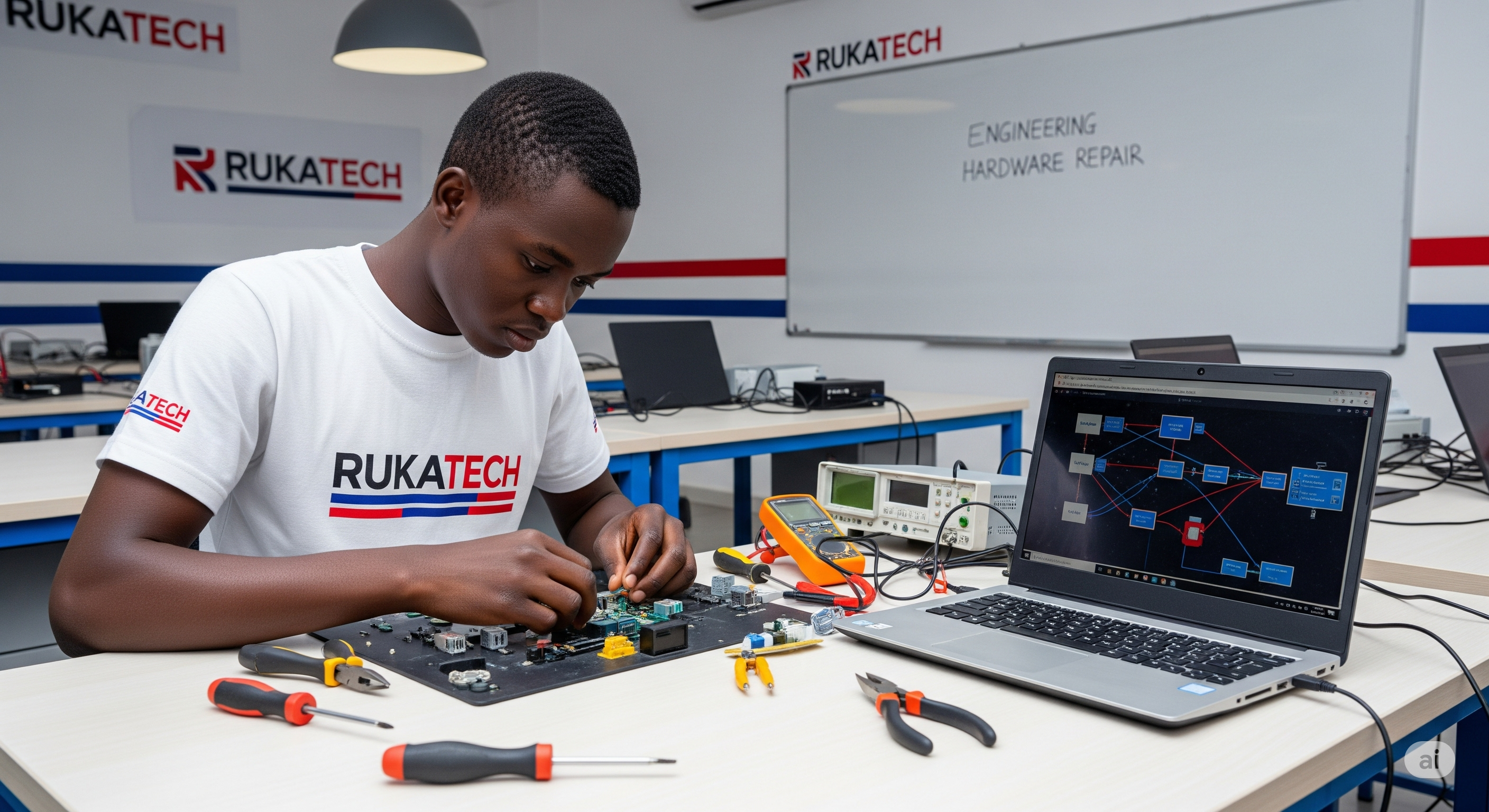
Engineering Hardware Repair
Repair and Software Installation
Overview
- Lectures 3
- Duration 4 months
- Skill level Beginners - Expertise
- Language English
- Assessments True
Course Description
This course provides hands-on training in diagnosing and repairing computer hardware issues as well as installing and configuring software systems. Students will gain the technical skills needed to troubleshoot and maintain personal computers, laptops, and other devices in a professional IT support or engineering environment.
Certification
Upon successful completion of the course, students will receive a Certificate in Computer Hardware Repair and Software Installation from Rukatech College, validating their technical proficiency and readiness for the IT workforce.
Learning Outcomes
- Identify and understand the function of various computer hardware components.
- Disassemble, troubleshoot, and repair desktop and laptop hardware systems.
- Install and configure operating systems such as Windows, Linux, and MacOS.
- Install essential software applications and perform driver installations.
- Apply diagnostic tools to test hardware functionality and system performance.
- Ensure security and optimize system performance through software configurations.
- Perform BIOS and firmware updates safely.
- Document repair procedures and build client support skills.
Curriculum
-
Introduction to Computer Hardware
-
Lesson 1. Overview of Computer Components1.5 hours
-
Lesson 2. Types of Motherboards and Processors1 hour
-
-
Diagnostics and Troubleshooting
-
Lesson 1. Using Diagnostic Tools2 hours
-
Lesson 2. Common Hardware Issues2 hours
-
-
Software Installation
-
Lesson 1. Installing Windows and Linux OS2.5 hours
-
Lesson 2. Driver and Application Installation1.5 hours
-
-
Advanced System Setup
-
Lesson 1. BIOS and Firmware Updates1 hour
-
Lesson 2. Security and Optimization1.5 hours
-